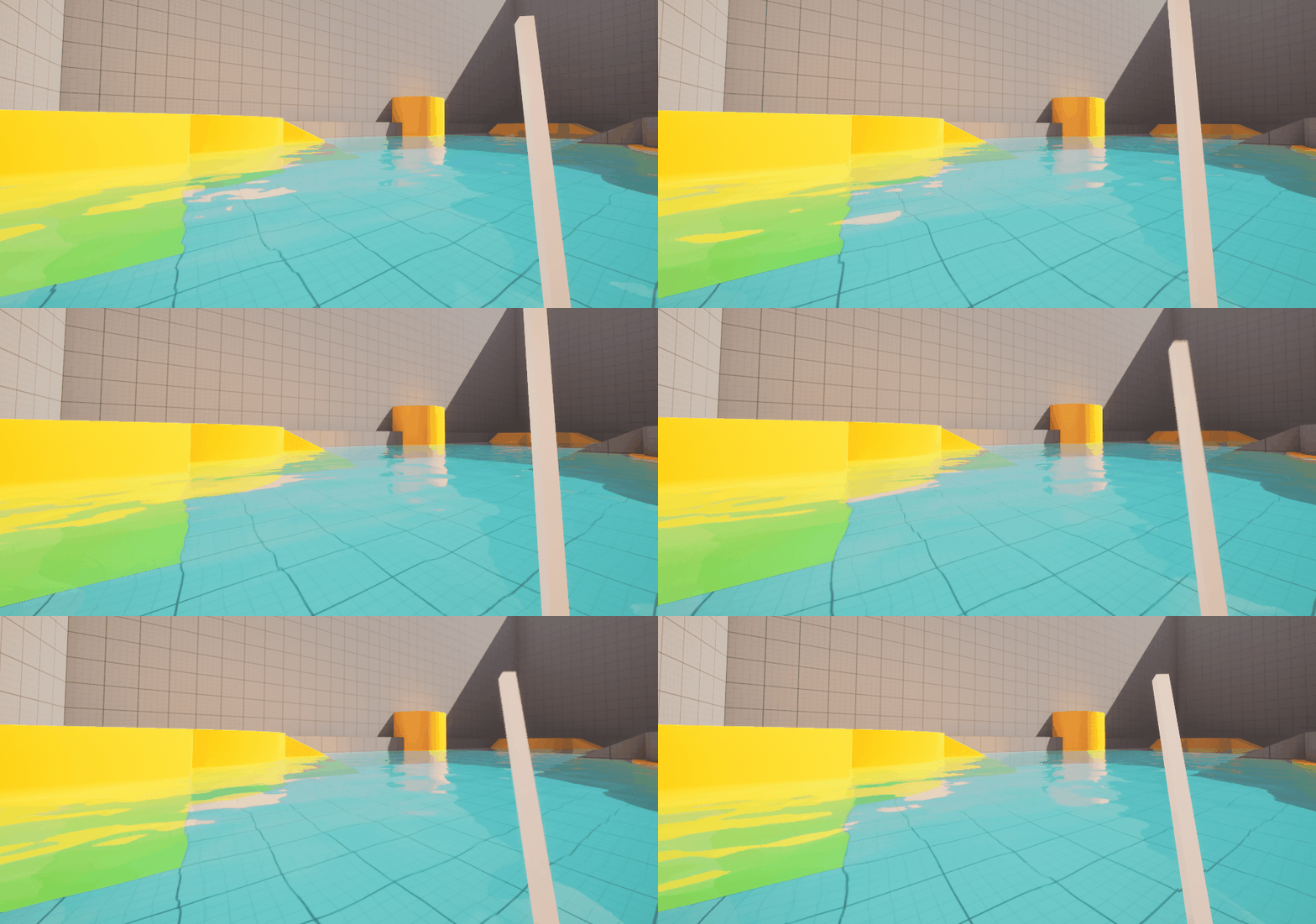
Project Roles:
Lead Programmer
Mechanics Designer
UI Integration
Page Contents:
Input Methods - Interacting w/ the Environment
Solo Project
This solo project is serving as my first baseline of game production utilizing Unreal Engine 5. The initial idea was to re-create Of Fish & Fog, however I believed that game concept had more that could be explored. So, not only am I applying my skills into a new game engine, but I am also expanding the mechanical identity of one of my previous titles
Input Methods - Interacting w/ the Environment
Short Explanation
The game utilizes a finite state machine mixing both C++ and Blueprint to determine the player’s input state
Extra effort has been placed into making the player’s experience not unique, but also smooth and intuitive
Input modes just determine what objects receive mouse and keyboard input and how it is applied.
I want casting in this game to feel mechanically reminiscent of real life motion which I have not seen before in a game.
The following paragraph is my technical design overview describing each of the states which have their largest portions implemented.
Default Walking -
Already built in movement. WASD to move around, mouse to look.
Allow player to walk through water, slowing them down as they get deeper. When water passes over their head: fade to black and respawn
Holding right click allows for casting input
Casting mode -
Happens while the right click is being held down, like the rod’s bail being opened and the line held down with your finger.
WASD movement is extremely slow. Camera FOV widens. Mouse movement also moves the camera very minimally and view is clamped to a small degree rotation from the original view angle when casting mode was started.
Mouse movement now mostly translates to fishing rod translation across a flat plane in order to simplify rotation and force calculation. Think about a dot in the middle of a box and as you move your mouse around it moves the dot, which in turn feeds the rotation. Ex: the rod positioned at the top of the plane corresponds to the rod all the way back and opposite at the bottom. The rod pivot point should rotate around the players ‘shoulder’.
In the future this dot will be visualized to players to be helpful in making casting feel more intuitive.
Next to the dot box is a force meter. Imagine the one from wii sports golf. In order to calculate casting force, compare the dot’s position in the box with where it was last frame. If the y position is lower that means the mouse is moving downwards. In that case find the distance between the 2 positions which can be converted into a shot force variable. When right click is released, if the shot force is below a certain threshold, smoothly ramp up sensitivity again while default walking is activated (to prevent weird snapping). Same thing with move speed.
If power is above the threshold, then force gets applied to the hook relative to the casting power along the launch angle which is calculated using the forward vector at a launch point at the end of the player’s pole.
Switch into mid-flight control
Mid Flight Mode -
Allows the player to minorly course-correct thrown hook. Camera slowly attempts to track hook.
Instead of a box, the player's dot input area transforms into a circle, kind of like a controller joystick. X-axis applies force side to side: -1 to 1 multiplied by a force multiplier. Y-axis increases or decreases gravity applied to the hook.
Sensitivity is lowered
Right click will not do anything in this mode.
Left click to rapidly increase gravity. This allows players to stop the hook when they feel like it’s far enough and feels mechanically like placing your finger back onto the line.
If the hook collides with anything other than water, fade into walking mode again. The hook can have other interactions based on what it hits but this shouldn’t affect input mode.
Fishing Input -
During transition, freeze input until elements stop moving.
Utilizes circle dot input area from mid flight mode. The input area shifts downwards visually to allow more room for fish cam.
A second, circular rendering camera travels to the location of the hook on the water just above it, facing downwards. It looks like a giant minimap utilizing the left side of the screen. The circular camera with the view of the bobber corresponds to the circular input area with the dot. The bobber moves to try and match position with the dot in the input area.
When fish is caught, fade out fish cam and fade back in walking mode.